
Securing your world with Backups
Building massive structures only to lose them to a server crash or a griefer is a nightmare. Here is how you can use Deduck's tools to keep your data safe.
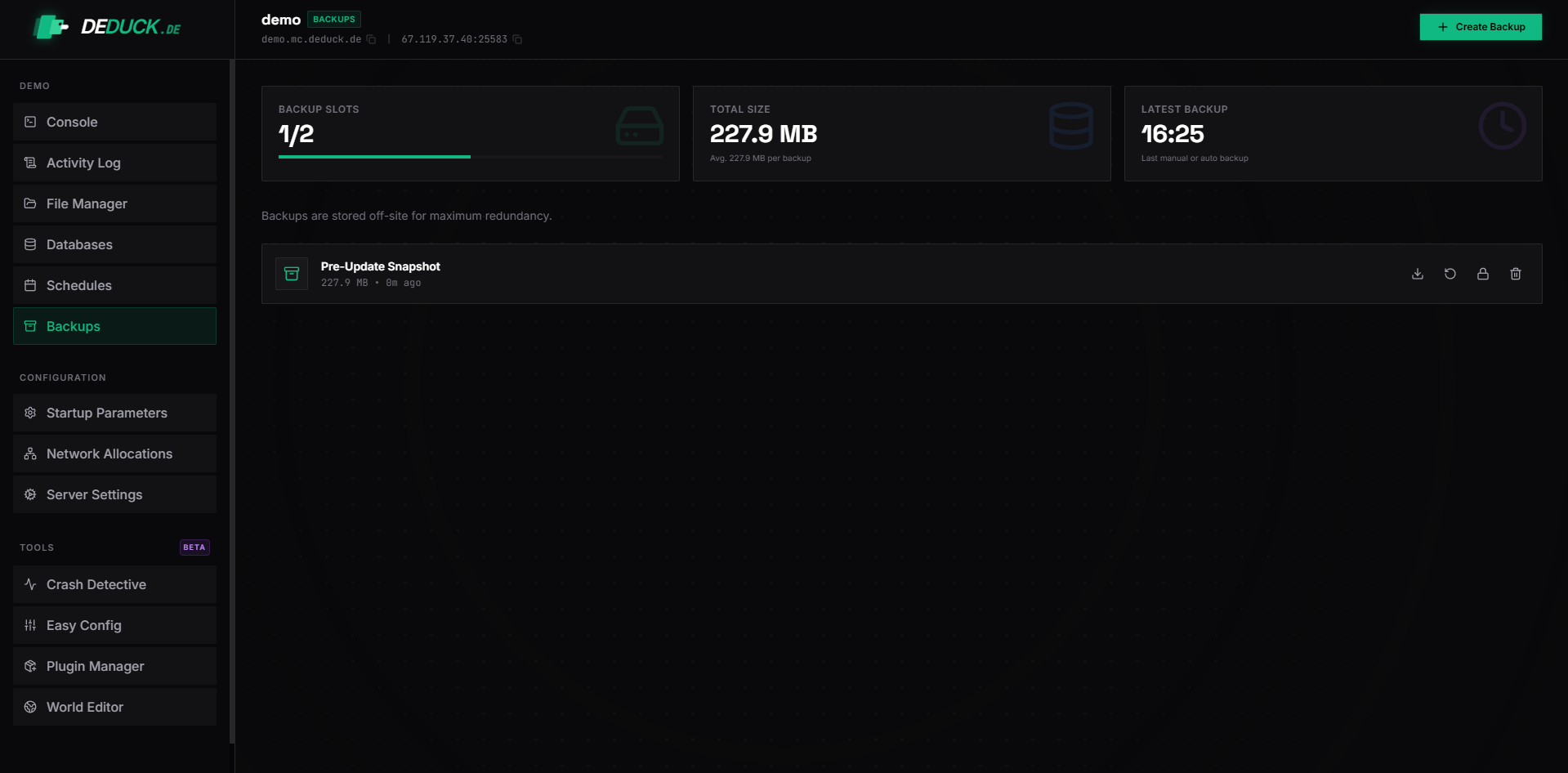
1. Automatic vs. Manual Backups
On Deduck, we offer two ways to secure your world. While automated backups are great, nothing beats the peace of mind of having a manual copy of your files before a big update.
2. Manual World Zips (Recommended)
This is the fastest way to "snapshot" your server state if you're about to install a complex plugin or change your game version.
- Go to your File Manager.
- Select your
worldfolder (andworld_nether/world_the_endif applicable). - Click the Archive (or Zip) button.
- Rename the resulting
.zipfile to something clear likeworld-backup-2026-04-07.zip.
You can now safely move this file to your computer via SFTP for permanent storage.
3. Using Dedicated Backup Plugins
If you want your server to save a backup every few hours without you thinking about it, we recommend using a specialized plugin.
- DriveBackupV2 (Free): This is our top recommendation. It can automatically upload your server files to Google Drive, OneDrive, or an external SFTP server. This means even if a hardware failure happens, your world is safe in the cloud.
- Snapshots: Some server versions like Pufferfish or Purpur have built-in snapshot capabilities.
4. Restoring your World
If the worst happens and you need to go back in time:
- Stop your server. Never try to replace world files while the server is active.
- Delete or rename the current (broken)
worldfolder. - Unzip your backup file.
- Ensure the folder name is exactly
world(or matches what you've set inserver.properties). - Restart the server.
A Note on Data Integrity:
Always verify your backups. Every once in a while, download your backup and try to open the zip file on your local computer. A backup that doesn't open is as good as no backup at all.
5. The "Golden Rule" of Redundancy
In 2026, professional server owners follow the 3-2-1 Rule: Have 3 copies of your data, on 2 different types of media, with 1 copy stored off-site.
- SFTP Off-site: Use our high-speed SFTP nodes to transfer your world every night to a local NAS or a home computer. This ensures that even if a global cloud outage occurs, your community can stay online.
- S3-Compatible Storage: If you use plugins like DriveBackupV2, we recommend connecting them to an S3-compatible provider (like AWS or Backblaze). These services offer "Object Versioning," allowing you to go back to any specific hour of the last 30 days.
"The only way to lose is to forget your backups." , A wise SysAdmin.